SET-BY-SET TARGETS
Give every set its own reps and kg target, or use seconds for a timed movement.
Plan. Lift. Rest. Repeat.
Plan each set, record the reps and kilograms you actually lift, then move straight into an automatic rest countdown. Keep your workout flowing without switching between a notebook and a timer.
iPhone, iPad and Android · Free download · Optional lifetime Premium
Inside Did You Lift
See the weekly plan, actual set entry and automatic countdown in these real iPhone App Store screenshots.
Swipe through the screens on a phone, or open any screenshot at full size.
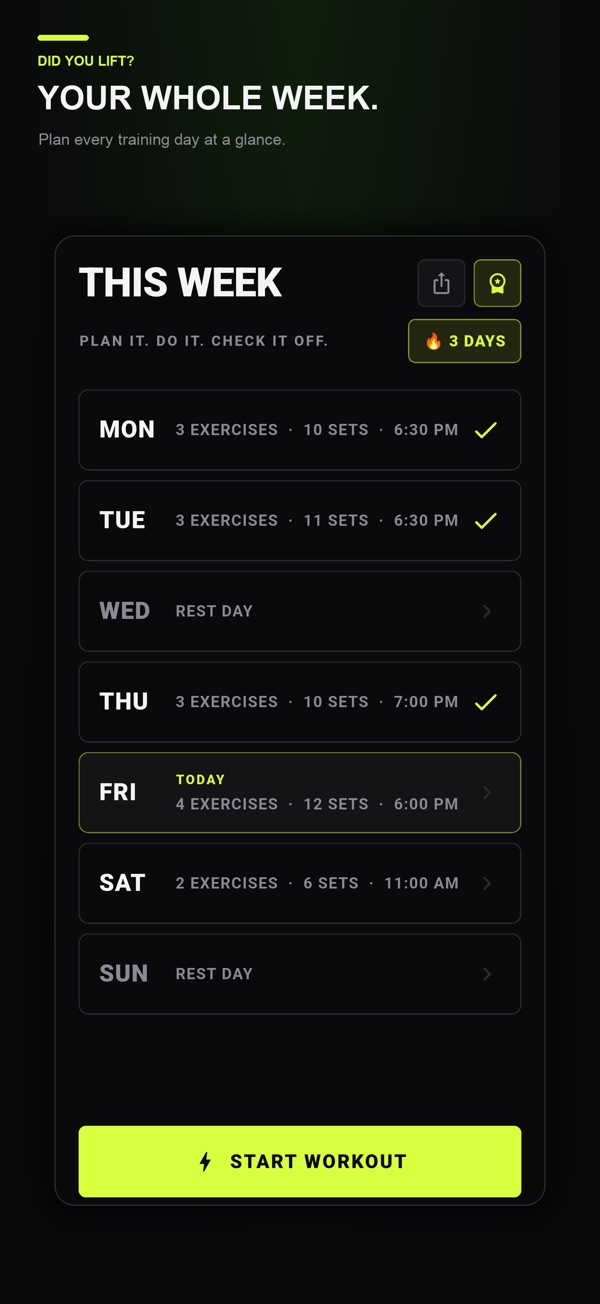
Keep training days and rest days together. Saving multiple weeks and sharing a plan require Premium.
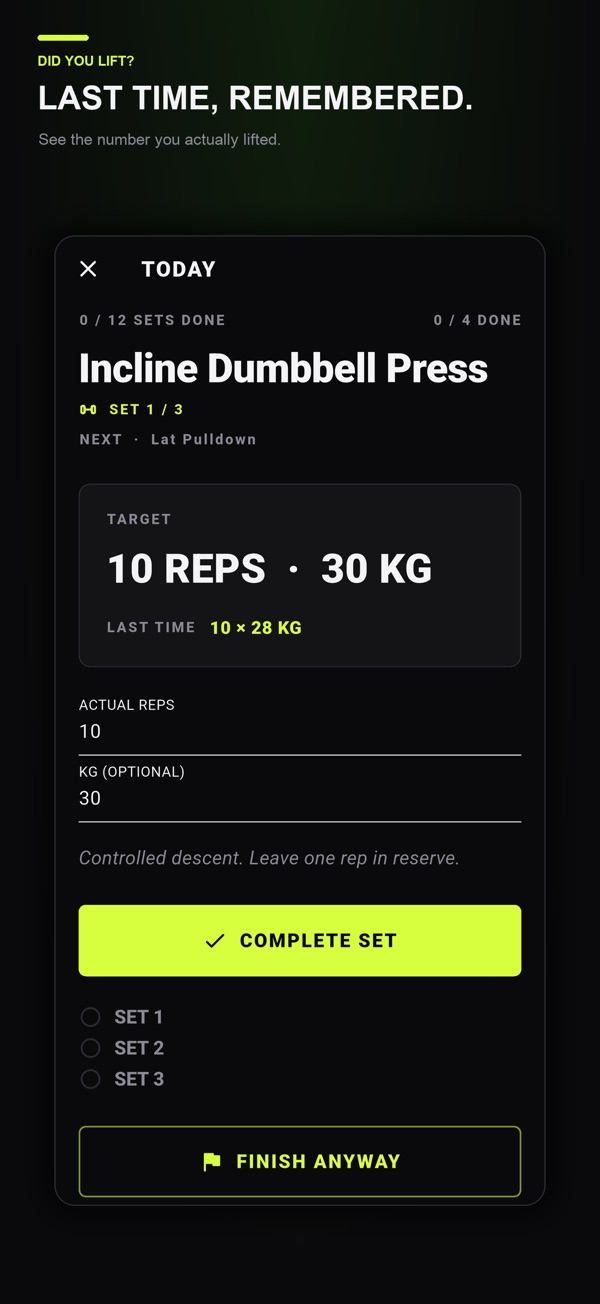
Enter the reps and kilograms you complete. The “Last time” values shown here are a Premium feature.
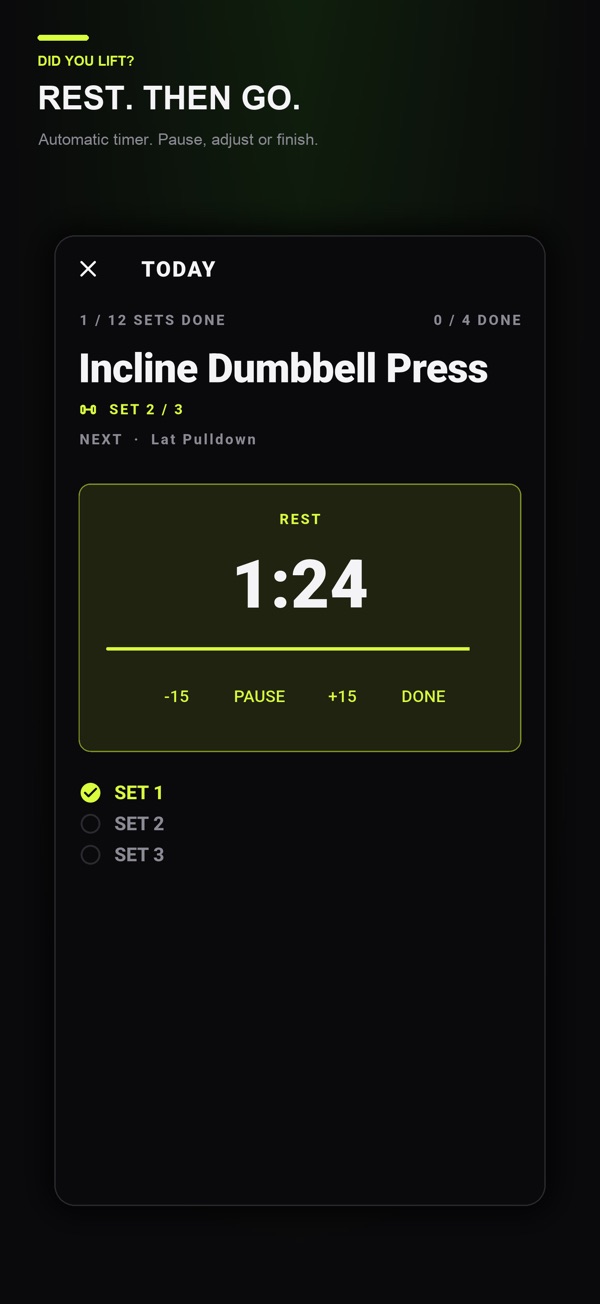
Completing a set starts your rest. Pause, adjust the time or finish the rest when you are ready.
Core set logging and automatic rest are available without Premium. Store screenshots show example workouts; the interface may vary by platform and version. See the optional Premium features →
The workout flow
Give every set its own reps and kg target, or use seconds for a timed movement.
Completing a set starts the countdown. Pause it, adjust it, skip it or end it immediately.
Machine, cable, dumbbell, barbell, bench, bodyweight or your own setup.
Your active exercise, current set and rest time survive closing the app. No account is required.
Plan each set, then record the reps and kilograms you completed. Use seconds for timed movements and exercise notes for setup details. A consistent record makes the next comparable session easier to understand.
Organize your chosen program across the week, check equipment and rest settings, then follow the active set on screen. The guides below explain logging conventions and volume calculations; they do not prescribe a training program. Optional lifetime Premium adds planning and sharing features.
Did You Lift lets you plan exercises with individual set targets and move from a completed set into a rest countdown. Use a training plan suited to your experience and adjust targets with your coach when needed.
Three useful starting points, chosen for this app. The full reading list is one click away.
Should warm-up sets count in workout volume? Separate preparation from working sets with a logging template, worked totals and a comparison checklist.
Read the guide Workout planningUse a set-by-set workout log template with a worked session, planned versus actual reps, weight conventions and a next-session review checklist.
Read the guide Workout planningLearn the difference between a workout plan and workout log, compare planned and completed sets, and build a simple record for your next gym session.
Read the guide