Scan, don’t search
Use your camera or photo library. No barcode, food database or manual ingredient entry required.
 AI nutrition, made simple
Take a meal photo, review estimated calories and macros, then compare meals in NutriLens. Check portions and ingredients before using an AI estimate.
Free to download · iPhone, iPad and Android
Subscriptions and scan credit packs are available. On iOS, detailed analysis and saved-scan history are Premium features. Check your store listing for current access and pricing.
Restaurant meals, home cooking, snacks or leftovers — NutriLens uses visual AI to estimate what is on the plate and explains the result in everyday language.
Use your camera or photo library. No barcode, food database or manual ingredient entry required.
Review estimated calories, protein, carbs, fat, fiber, ingredients and potential allergens together.
Use a simple health score, practical warnings and healthier alternatives to compare your options.
The interface keeps the meal front and center, then adds just enough detail to support your next decision.
Open a screenshot to view it full size.
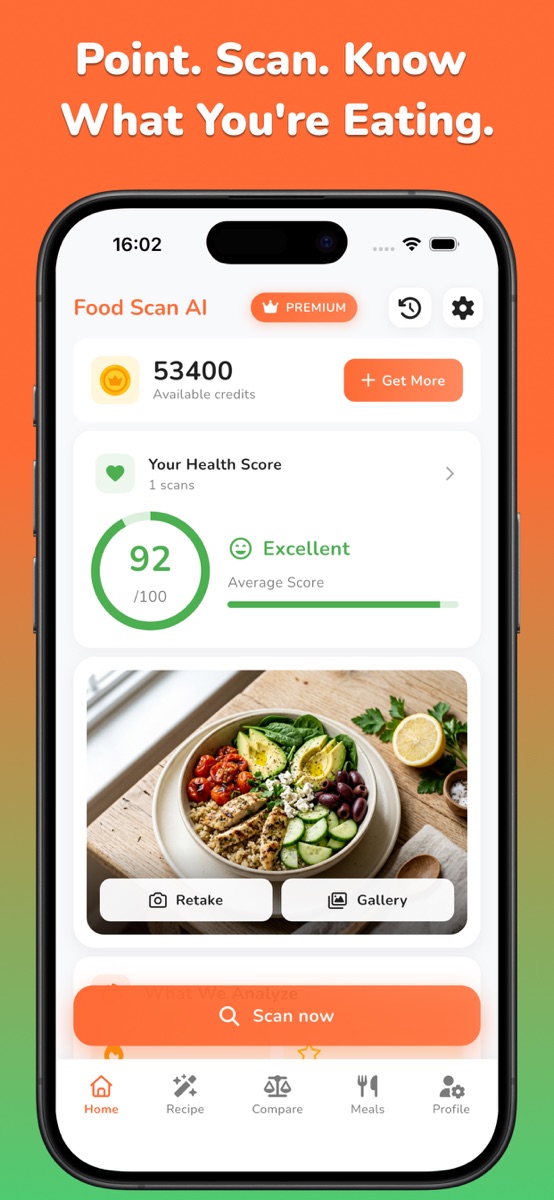
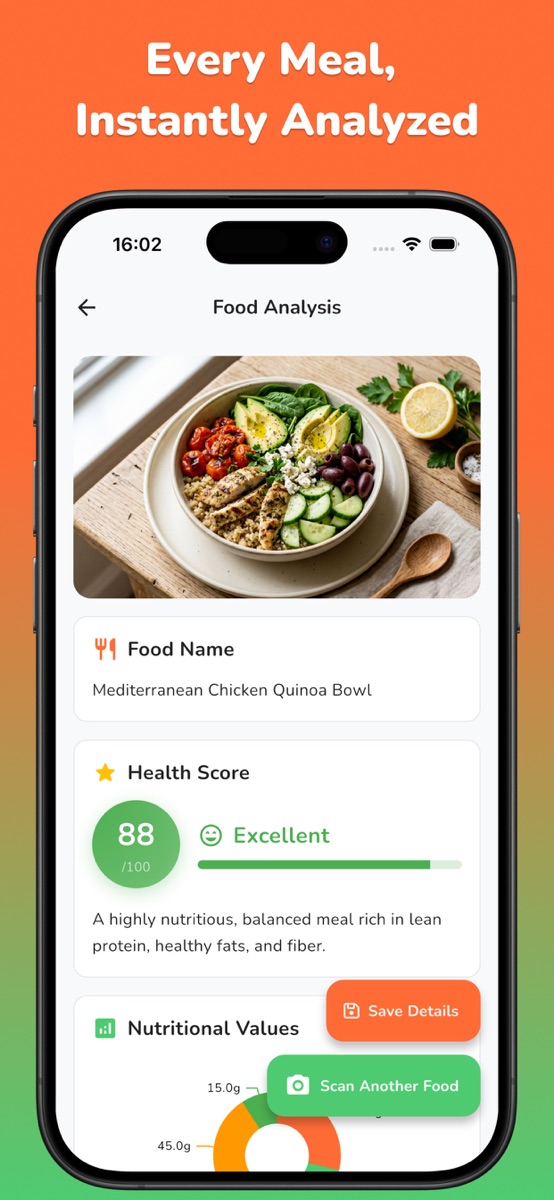
Review an AI estimate of the visible meal. Hidden ingredients, cooking oil and portion size may not be identified correctly.
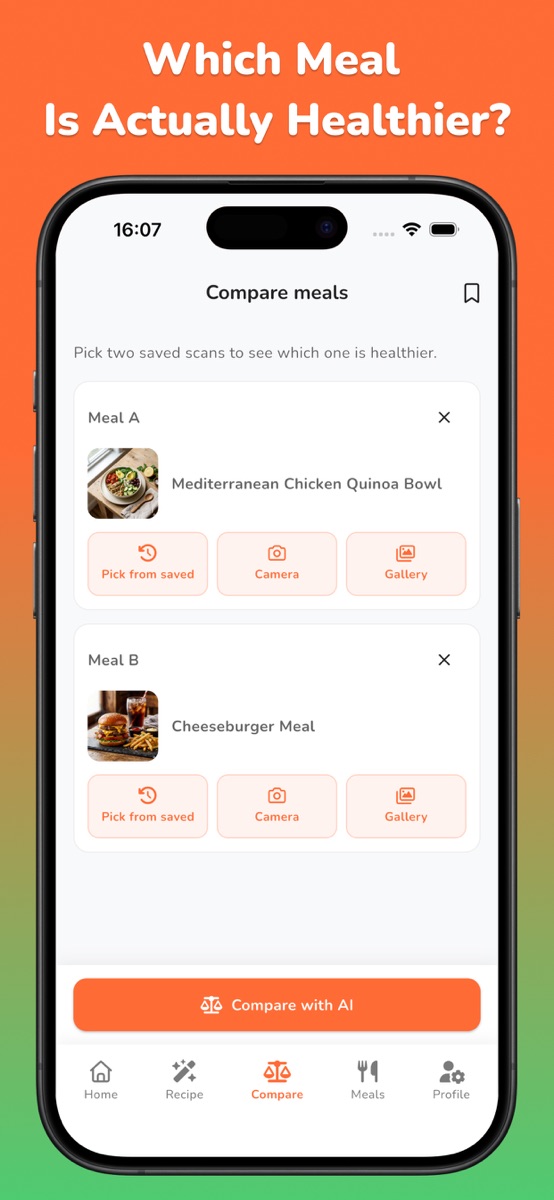
Compare two meals side by side and review estimated nutritional differences.
Type a recipe or dish name to get an estimated nutrition breakdown.
Set your goals, activity level and dietary preferences for more relevant guidance.
Nutrition values and allergen detection are AI-generated estimates and can be imperfect. Always check packaging, recipes and professional guidance when an allergy, health condition or medical decision is involved.
No. Take a photo or choose one from your library and NutriLens analyzes the visible meal for you.
Yes. It is designed for plated meals, homemade dishes, restaurant food, snacks and leftovers — not only packaged products.
They are AI-powered estimates. Portion size, hidden ingredients and preparation methods can affect accuracy.
Make nutrition easier to understand with NutriLens, or estimate your daily targets first with the free calculator.
Photograph a familiar lunch, review the identified foods and compare the estimate with any recipe or label information you have. NutriLens helps you explore the meal’s nutrition; the portions, sauces and ingredients you know about give the result useful context.
Use the food-photo and homemade-meal guides to keep portion assumptions consistent. Saved scans and deeper analysis may require an in-app purchase. A photo estimate cannot verify allergy safety or replace individualized nutrition advice.
NutriLens analyzes meal photos and provides estimated calories and macronutrients. Check the identified food and portion before using a result. Hidden ingredients and cooking methods can change the estimate.
Three useful starting points, chosen for this app. The full reading list is one click away.
Calculate calories for a whole pack or the amount you ate. Four worked label examples, per-100g conversions and an as-prepared double-counting check.
Read the guide NutritionCheck a photo calorie estimate against a matching label and weighed serving. See a worked calculation, a comparison worksheet and what a scan cannot verify.
Read the guide NutritionUse an ingredient worksheet and a batch-to-portion calculation to estimate homemade meal calories, including mixed recipes and leftovers.
Read the guide