Check the calorie column, serving size, amount eaten and preparation basis before calculating. A package can contain several servings; a manufacturer’s serving is not a recommendation about how much you should eat. The result is a scaled label estimate, not an exact measurement of your meal.
Start with four fields, not the large calorie number
Write down which column you are reading, the quantity it describes, the amount actually eaten and whether the values are as sold or as prepared. That keeps a whole pack from being recorded as one small serving.
| Field | What to check | Mistake it prevents |
|---|---|---|
| Calorie basis | Per serving, per container, per unit or per 100 g / 100 ml | Treating every printed calorie number as the whole pack |
| Serving quantity | Grams, millilitres, pieces or another stated measure | Using a portion name without its quantity |
| Amount eaten | Your measured amount, not the original package size if some remains | Counting leftovers that you did not eat |
| Preparation basis | As sold, drained, cooked or prepared with specified additions | Adding an ingredient that the chosen column already includes |
The FDA serving-size guide explains U.S. labels and distinguishes a labeled serving from advice about how much to eat. Packaging formats differ between markets, so read the actual heading on your product rather than assuming every label follows one layout.
You do not need to turn this into a daily calorie target. This guide is about interpreting a package and keeping a record, not deciding how much food you personally need.
Calculate a whole pack or a partial portion
Use the same unit in the numerator and denominator:
Label-based calories = listed calories × (amount eaten ÷ labeled amount)
Here are four invented examples. They are not values for real products, NutriLens results or suggested portions. The amounts eaten are assumed to have been measured on the same basis as their labels.
| Example | Label basis | Amount eaten | Calculation |
|---|---|---|---|
| Entire invented 200 g pack | 180 kcal per 40 g | 200 g | 180 × (200 ÷ 40) = 900 kcal |
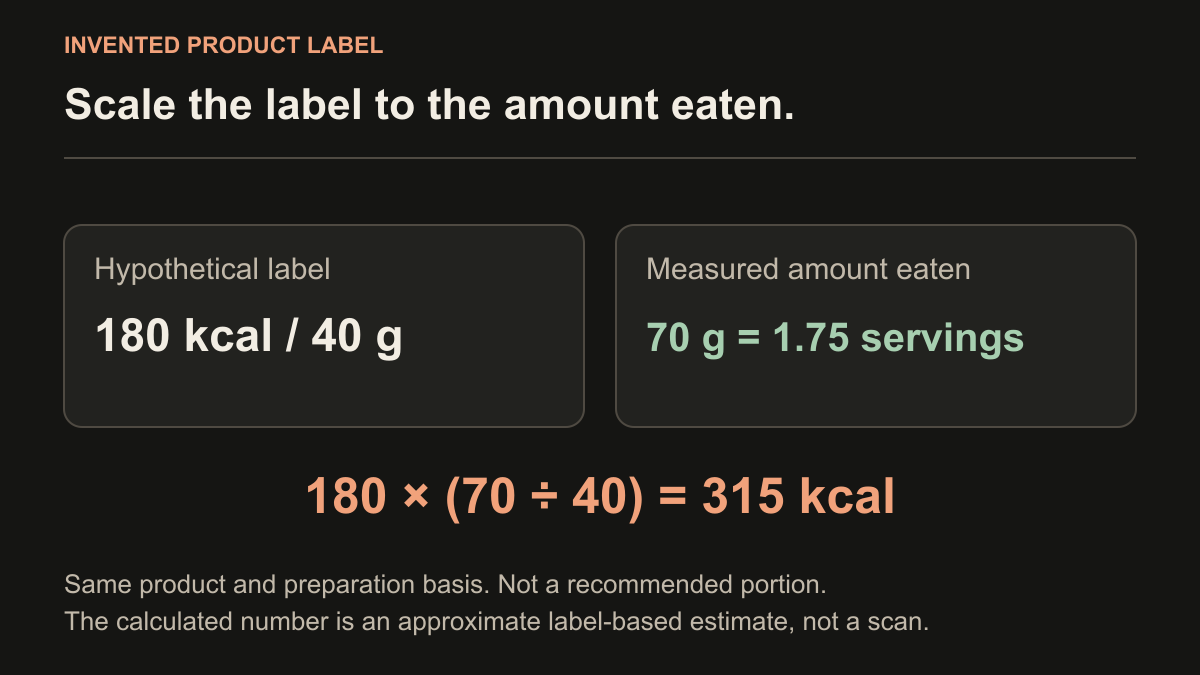
| 70 g from that same invented pack | 180 kcal per 40 g | 70 g | 180 × (70 ÷ 40) = 315 kcal |
| Part of an invented drink | 110 kcal per 250 ml | 300 ml | 110 × (300 ÷ 250) = 132 kcal |
| An invented per-100g label | 280 kcal per 100 g | 45 g | 280 × (45 ÷ 100) = 126 kcal |
The first pack contains 200 ÷ 40 = 5 labeled servings. Its whole-pack estimate is 900 kcal. In the second row, 70 g is 1.75 servings, not one serving and not the whole pack. The same label therefore gives 315 kcal for that amount. Neither number says whether the portion is right for you.
This proportional calculation assumes the portion reasonably represents the labeled food. In a pack with different components, taking only the sauce or only one compartment is not the same as taking that fraction of the whole mixture. Use component information when available, or keep the uncertainty in your note.
A fractional serving is normal arithmetic. Do not round 1.75 servings down to one just because an app or notebook starts with a “servings” field. If you only guessed the quantity, keep the result approximate. Printed values and a household measurement do not establish laboratory precision.
Read dual columns and “as prepared” without counting twice
Some U.S. packages show both a serving column and a whole-package column. The FDA label explanation describes this dual-column format. Choose the column that matches your quantity; the two columns are alternative bases, not numbers to add together.
For the invented 200 g pack above, a corresponding whole-container value would be 900 kcal. If you eat half the pack, use either 900 × 0.5 = 450 kcal or 180 × (100 ÷ 40) = 450 kcal. Do not multiply the 900 figure by five: it already includes all five labeled servings.
| Chosen label basis | What the number includes | Calculation for the assumed preparation |
|---|---|---|
| Food as sold: 170 kcal | One stated amount of the plain food only | 170 + separately recorded 60 kcal addition = 230 kcal |
| As prepared: 230 kcal | That food plus the specified 60 kcal addition | 230 kcal; do not add the same 60 again |
This comparison assumes the same food quantity and exactly the addition named in the preparation instructions. If you use a different quantity or ingredient, the prepared-column assumption no longer matches. Return to the plain-food basis and account for your actual addition separately when suitable information is available. Keep missing details visible rather than assigning them zero.
The EU nutrition-declaration guidance distinguishes values for food as sold from values after preparation and notes that declared values are averages. Check the instructions attached to a prepared basis rather than assuming it includes your own recipe.
Do not mix a dry-food label with the weight of a cooked dish. Water, draining and added ingredients can change which quantity you are measuring. For a meal made from several ingredients, the homemade-meal guide covers a separate batch-and-portion calculation.
Distinguish per 100 g, per 100 ml, kcal and kJ
The NHS guide to UK food labels explains the per-100g or per-100ml basis and the difference between energy units. A portion column may also appear. Read the heading with the number, not the number alone.
For the invented 280 kcal per 100 g example, a 45 g portion gives 280 × 0.45 = 126 kcal. The “100” is the reference quantity; it does not mean the package weighs 100 g. If a label instead says per 100 ml, measure the liquid on that basis. Do not assume 100 ml of every food weighs 100 g.
Food calories are commonly shown as kcal. Kilojoules, written kJ, are a different unit: do not copy a kJ figure into a kcal field. When both are printed, select the kcal value rather than silently treating the two numbers as interchangeable.
If only kJ is given, use the kJ-to-kcal conversion table and worked examples to convert the energy unit while preserving its quantity basis.
For comparing two packages, use a common basis first. An invented product with 180 kcal per 40 g corresponds to 450 kcal per 100 g. That is a quantity comparison, not a verdict on which food you should choose; ingredients, nutrients and your circumstances also matter.
Keep a short note when the label and photo look different
For packaged food, keep the actual label and the amount you ate together. A photo alone may not show a product’s recipe, serving weight or what remains in the package. Use this small note to make a later comparison understandable:
| Field | What you record |
|---|---|
| Product and date | Exact product or your own description, plus the date |
| Chosen column | Per serving, whole container or per 100 g / 100 ml |
| Preparation | As sold or the specified prepared version |
| Amount eaten | Quantity and unit; mark it estimated if you did not measure it |
| Label calculation | The multiplication and approximate result |
| Separate additions | Only components not already included in that basis |
A whole-container value and a photo estimate for one bowl are not a like-for-like comparison. Match the food, quantity and preparation first. Do not change measured amounts simply to make two numbers agree. The photo-estimate checking guide explains how to keep a reference and a scan separate without inventing an app accuracy percentage.
Use NutriLens for the meal-photo part
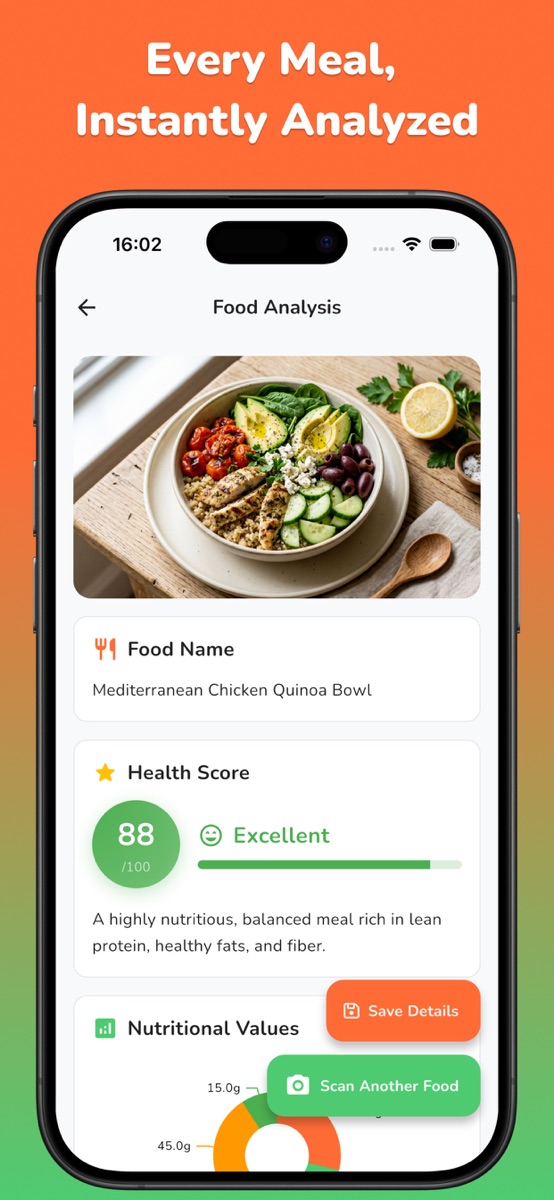
NutriLens lets you take a meal photo or select one from your gallery, then review estimated calories and macros. Its official iOS listing describes a photo-first workflow, not barcode scanning. This worksheet does not promise automatic label reading, manual calorie correction or importing your calculation into the app.
Keep the package arithmetic in your own note. Use the photo estimate for the meal view and retain uncertainty about portions and hidden ingredients. If you want that photo-first workflow, download NutriLens using the store links on this page. The download is free, with subscriptions and scan credit packs; the iOS listing places detailed analysis and saved-scan history in Premium. Check current access in your platform’s store.
A nutrition estimate cannot confirm allergy safety. This is general label-reading education, not individualized medical or dietary advice. For personal needs that require clinical guidance, use an appropriately qualified professional rather than a food-photo score.
Common questions
Do calories per serving mean calories for the whole pack?
Only if the pack contains exactly the stated serving. Check the serving quantity and amount eaten. A whole-container column already includes the container; do not multiply it by the serving count again.
How do I calculate calories for less than one serving?
Multiply the listed calories by the amount eaten divided by the labeled amount, with matching units and preparation. For example, half of a labeled serving gives half of its listed calories as an approximate label-based estimate.
Are calories per 100 g the same as calories per portion?
Not unless your portion is 100 g on that same basis. For 280 kcal per 100 g and a 45 g portion, the calculation is 280 × 45 ÷ 100 = 126 kcal.
Should I add milk to an “as prepared” value?
Do not add the same milk twice if the column already includes the specified milk quantity. If your preparation differs, use a matching plain-food basis and record your actual additions separately when you have suitable information.
Does NutriLens scan nutrition labels or barcodes?
The workflow described here is meal-photo analysis. This guide does not promise nutrition-label reading or barcode scanning. Keep your label calculation separately and review the photo estimate as an estimate.
References and further reading
Published by Moocsoft, the independent studio behind NutriLens. Examples and worksheets are illustrative. App features can vary by platform and version; see the store listing for current availability and in-app purchases.