Explain the difference before making a correction. A duplicate contribution, an omitted withdrawal, an overlapping opening balance and a planned payment entered early are different problems. Do not invent a deposit or withdraw real money just to make two displayed totals match.
Match the purpose, date and covered money first
Write down what the number represents. Is it one goal, all your goals, one account or money spread across several places? Use one currency and one cutoff date. Comparing a goal balance from Sunday with an account figure from Friday can create a difference even when neither arithmetic total is wrong.
Choose an opening amount you can explain. If your 1 October opening balance is $420, it already includes the activity that produced that amount before the period starts. Re-entering an earlier $60 contribution as new October progress would make $480 before any genuine October change. Carrying a closing balance forward is not another deposit.
Use your own completed-activity records as evidence. The NCUA’s account guide explains how account statements help track balances and activity. Check what your provider’s displayed balance includes; a manual tracker does not establish whether a transfer cleared or whether funds are available to spend.
Keep the comparison private. You need relevant dates, amounts and a short local reference—not a public bank statement, login, account number or card details. Preserve the current tracking record before correcting it. Do not uninstall an app or erase its data as a first response to a mismatch.

Work through a duplicate deposit and a missing withdrawal
Every amount, date and reference in this example is invented. It concerns one goal in USD from 1 to 25 October 2026. The opening amount is $420. The confirmed movements are an $85 deposit, a $30 withdrawal and a $45 deposit. There is no interest, fee, currency conversion or pending activity in this example.
Goal balance = opening amount + completed deposits − withdrawals
| Date | Reference / entry | Deposit | Withdrawal | Goal balance |
|---|---|---|---|---|
| 2026-10-01 | Opening balance — earlier activity already included | — | — | $420.00 |
| 2026-10-05 | D-05 | $85.00 | $0.00 | $505.00 |
| 2026-10-11 | W-11 | $0.00 | $30.00 | $475.00 |
| 2026-10-19 | D-19 | $45.00 | $0.00 | $520.00 |
Deposits total $130; withdrawals total $30. Net change is $100, so $420 + $130 − $30 = $520. The $130 deposited is not the same as the $100 increase still reserved for the goal.
Now inspect a faulty draft record of those same movements. It contains D-05 twice and has no W-11 withdrawal. These are mistakes constructed for the example, not a reported Frugal bug.
| Date | Reference / entry | Deposit | Withdrawal | Goal balance |
|---|---|---|---|---|
| 2026-10-01 | Opening balance — earlier activity already included | — | — | $420.00 |
| 2026-10-05 | D-05 | $85.00 | $0.00 | $505.00 |
| 2026-10-05 | D-05 | $85.00 | $0.00 | $590.00 |
| 2026-10-19 | D-19 | $45.00 | $0.00 | $635.00 |
The draft says $635, which is $115 higher than the verified $520. In this example the two D-05 rows have been checked against the evidence and represent the same single $85 movement. Identical dates and amounts alone would not prove that two entries were duplicates: two genuine contributions can have the same amount.
- Draft tracker$635.00
- Remove confirmed duplicate−$85.00
- Include omitted withdrawal−$30.00
- Explained balance$520.00
Removing the confirmed duplicate explains $85 of the gap, leaving $550. Including the confirmed but omitted $30 withdrawal explains the remaining difference: $550 − $30 = $520. No new money arrived during the correction. The revised record now describes the movements that already happened.
Investigate a difference instead of adding a balancing amount
Mark each movement as matched, unresolved or outside the chosen period. A useful order is:
- Opening overlap: check whether an older transaction is already included in the starting amount.
- Duplicates: establish whether repeated rows describe one real movement or two. Compare the supporting record, not just the amount.
- Missing reductions: check withdrawals, spending from the goal and any reassignment of its money.
- Plans recorded as facts: a scheduled $75 contribution that has not happened is still a plan, not $75 saved.
- Other explained changes: account for relevant actual interest, fees or corrections under their own labels rather than calling everything a new contribution.
Write the reason for each confirmed correction. In the worked example, “remove the second D-05 entry; it repeats the same confirmed movement” explains more than “balance fixed.” If the record cannot establish what happened, leave the difference unresolved while you investigate. Do not create an unexplained positive or negative transaction simply to force agreement.
A record correction is not an instruction to transfer money. For unfamiliar bank activity or a question about a pending transaction, use the financial institution’s own explanation and support route. A matching spreadsheet total does not prove that an account transaction is legitimate or that money is available.
Separate account transfers from goal reallocations
Moving $200 of money already assigned to this goal between two accounts that are both included in your record changes where it is held, not how much this goal owns. Do not count the receiving account’s $200 as new savings while leaving the same amount included in the sending account. This assumes the same currency, no fee and that both sides of the movement are accounted for.
A transfer crossing the boundary of what you track is different: money newly assigned from outside the goal can increase its allocation; money removed for another purpose can reduce it. Record the purpose and scope before choosing the label. “Every transfer changes nothing” is not a general rule for every goal.
Reassigning money between two goals also needs both sides recorded. Suppose $520 is split as follows, and $70 moves from Goal A’s purpose to Goal B’s purpose:
| Goal | Before | Allocation change | After |
|---|---|---|---|
| Goal A | $300.00 | −$70.00 | $230.00 |
| Goal B | $220.00 | +$70.00 | $290.00 |
The combined total stays $520: $300 + $220 = $230 + $290. Showing the $70 increase in B without the reduction in A would falsely show $590 allocated. This is a manual allocation example, not a verified in-app goal-transfer feature or a bank transfer.
A bank account can legitimately show another total. An invented $760 account balance could contain the $520 allocated to these goals plus $240 reserved for other purposes. Do not increase the goals to $760 merely to match the account. For several targets, use the multiple-goal allocation worksheet and the guide to separate savings purposes.
Keep an explainable record in Frugal or a worksheet
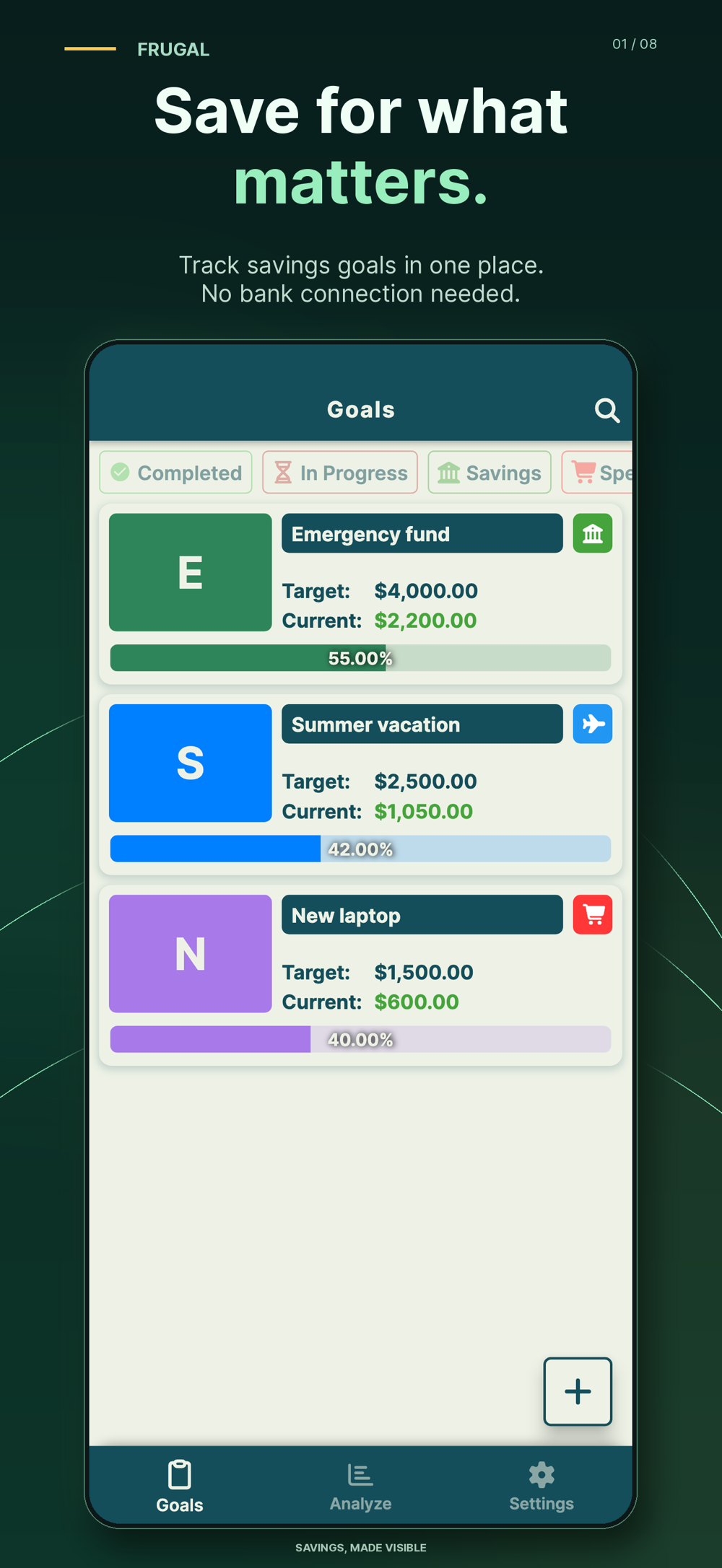
The current official Frugal App Store listing and Google Play listing describe manually entered contributions and withdrawals with dates and amounts in savings history. Frugal stores goal records locally; it does not require a bank connection, hold money or execute transfers.
Use the app’s supported controls only after you understand the discrepancy, and preserve enough of the earlier record to explain the change. The calculation here is an original website worksheet, not automatic transaction matching, an app import or a claim that the app detected a duplicate. Compare a tracker with a spreadsheet if you need a separate review sheet.
Frugal is free to download with ads and limits. Premium includes unlimited goals, detailed analysis and PDF/Excel exports, among other features; check your platform’s current listing. Copying the plain-text note below does not require an app export or a purchase.
Goal / currency: [One purpose and one currency]
Period and covered money: [Opening date, cutoff date and included locations]
Opening amount: [Confirmed amount; earlier movements already included]
Completed deposits: [Total and matching references]
Withdrawals / explained adjustments: [Amounts and reasons]
Expected closing amount: [Opening + additions − reductions]
Tracker amount before review: [Observed amount]
Difference and explanation: [Confirmed causes; unresolved items kept separate]
Corrections made: [What changed in the record and why]
Remaining uncertainty: [Not checked or not yet explained]
Next review: [Chosen date]
At the next review, carry the explained closing amount forward once, match new completed activity and keep planned contributions separate. The CFPB toolkit offers separate savings-plan, income-tracking and cash-flow resources: a future plan and a record of actual movements answer different questions.
This is general educational record-keeping, not personalized financial, investment or tax advice. Reconciliation can explain a recorded total; it does not create savings, guarantee account accuracy or recover missing funds.
Common questions
Why does my savings tracker show more than I have?
Possible record differences include a repeated deposit, an omitted withdrawal, an opening amount counted twice or a planned contribution entered before it happened. Compare the same purpose, currency, covered money and cutoff date, then match each movement before changing the record.
Should my goal total equal my bank balance?
Only when they represent exactly the same money and timing. An account may include amounts for other purposes, while a goal may span several places. Match the scope before interpreting the difference.
Are two deposits with the same date and amount always duplicates?
No. Two genuine contributions can share a date and amount. Check the supporting movement or reference before treating a row as a duplicate.
Does moving money between my own accounts create new savings?
Not if the same money was already assigned to the goal and both accounts remain inside the record, with no fee or currency change. A movement into or out of the goal’s scope can change its allocation; identify the boundary first.
Should I add a correction deposit to force the totals to match?
Do not invent an unexplained deposit. Identify the cause and record a supported correction with its reason. Keep unresolved differences visible and ask the relevant provider about unexplained account activity.
Does Frugal reconcile my bank transactions automatically?
The official listings describe manually entered goal contributions and withdrawals without a bank connection. This website walkthrough is separate; it is not an automatic bank-reconciliation feature or an import into the app.
References and further reading
Published by Moocsoft, the independent studio behind Frugal. Examples and worksheets are illustrative. App features can vary by platform and version; see the store listing for current availability and in-app purchases.