An annual bill is not automatically twelve months away. Plan the next due date first, then begin a fresh cycle after the payment has actually happened.
Make a renewal list, not just a monthly average
The awkward part of an annual bill is often the timing. A membership can cost $20 per month on average while still requiring a $240 payment next January. The average is useful for comparing costs, but it is not the amount you necessarily need to reserve this month.
Gather each renewal notice or agreement and write down:
- The bill name and whether you still intend to keep it.
- The next charge or payment date, plus when the money needs to be available.
- The confirmed amount, or a clearly labeled estimate awaiting confirmation.
- Money already reserved for this bill, excluding other goals.
- The contribution dates you can realistically use before payment.
Keep renewal terms and receipts outside the savings tracker. A goal date is a planning record; it does not change a provider’s charge date or cancel a subscription. If you no longer need a renewal, check its actual cancellation terms rather than simply deleting the savings goal.
The CFPB’s budgeting guide includes a bill calendar because income and due dates may not line up. Use that timing check alongside the worksheet, not just the annual total.

Work through two bills with different deadlines
This is an invented worksheet reviewed on October 12, 2026. The next affordable contribution date in this example is November 1; no October deposit is assumed. All amounts are illustrative US dollars, excluding interest and fees, not quotes for real products.
| Bill | Next payment | Target | Reserved now | Usable deposit dates | Plan per deposit |
|---|---|---|---|---|---|
| Annual membership | 2027-01-20 | $240.00 | $60.00 | 2026-11-01, 2026-12-01, 2027-01-01 | $60.00 |
| Annual software renewal | 2026-12-10 | $96.00 | $24.00 | 2026-11-01, 2026-12-01 | $36.00 |
For the membership, ($240 − $60) ÷ 3 = $60 on each of November 1, December 1 and January 1. A flat $20 monthly amount would add only $60 before the bill, leaving the goal at $120—half the required amount.
For the software renewal, ($96 − $24) ÷ 2 = $36 on November 1 and December 1. A January deposit cannot help pay a December 10 bill. This is why each annual bill needs its own next due date.
| Date | Membership plan | Software plan | Total planned contribution |
|---|---|---|---|
| November 1, 2026 | $60 | $36 | $96 |
| December 1, 2026 | $60 | $36 | $96 |
| January 1, 2027 | $60 | Already paid if the plan happened | $60 |
The starting reserved total is $84. The three dates call for $252 in new contributions: $96 + $96 + $60. That is a cash-flow requirement to compare with your budget, not a recommendation to contribute more than you can afford. If a date falls too close to payment, move the planning deadline earlier and recount the usable dates.
Copy the column headings into a sheet or notebook and replace the examples with your bills. Keep future contribution amounts in the plan until the money is genuinely reserved. For rounding or a missed date, use the worked contribution formula.
After paying, start the next cycle from the real balance
Suppose both November and December contributions happen. Before the software bill is paid, its goal contains $96 and the membership goal contains $180. Paying the $96 software bill leaves that software allocation at zero; the $180 membership allocation remains. The old software completion percentage is not money available for another purpose.
In the example, the membership reaches $240 after the January 1 contribution. Once the January 20, 2027 payment actually uses the full $240, the amount remaining for that goal is zero. Record the spending before planning the next renewal.
| Item | New cycle |
|---|---|
| Next payment | January 20, 2028 |
| Target / still reserved after payment | $240 / $0 |
| Remaining deposit dates | February 1, 2027 through January 1, 2028: twelve dates |
| Plan per deposit | ($240 − $0) ÷ 12 = $20 |
The $20 plan now fits because twelve usable dates remain. It did not fit the three-date catch-up cycle. If the next price is not yet confirmed, label it as an estimate and review it when the renewal notice arrives. If money remains after a cheaper bill, either carry that actual balance into the next cycle or explicitly reassign it; do not count it twice.
A simple record can include the cycle in its name, such as “Membership — January 2028.” Keep the previous invoice and payment record so the next target has a traceable basis. This is a manual planning method, not an automatic recurring-bill feature.
Do a renewal review, then record only real contributions
At each review, ask four questions: Is the renewal still wanted? Is the amount confirmed? How much is actually reserved? Which contribution dates remain before payment? If the new requirement does not fit, examine the bill and wider budget rather than marking a deposit that never happened. Essential costs and other commitments still count.
For multiple bills, check that the sum of your goal allocations does not exceed the real money supporting them. The multiple-goal reconciliation guide shows how to spot that double-counting. Keep known annual expenses separate from an emergency reserve.
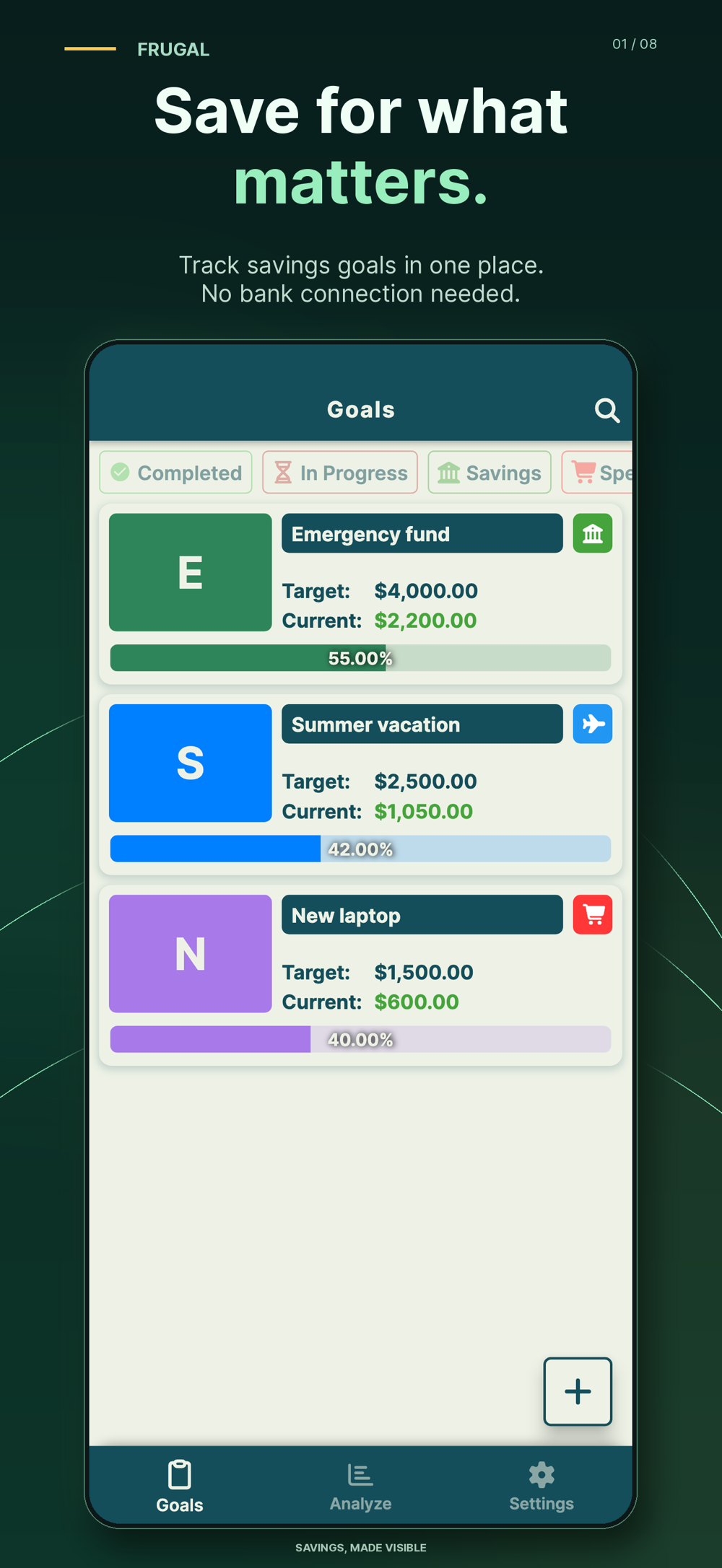
Frugal lets you create named goals with targets and dates, then manually record contributions and withdrawals. Its reminders can prompt a review, but do not pay bills or confirm that money was set aside. Goal records are stored locally, without a bank login; Frugal does not hold or transfer funds.
The current iOS listing describes ads and feature limits in the free version. Unlimited goals and PDF/Excel exports require Premium. The worksheet on this page does not need Premium and is not imported into the app. Try Frugal if a named, regularly updated goal record would help you follow your plan.
This guide is general education and record-keeping, not individual financial advice. A calendar and tracker make commitments visible; they do not guarantee that a bill is affordable.
Common questions
Should I divide every annual bill by 12?
Only when twelve usable contribution dates remain before payment and you account for money already reserved. If the next bill is closer, divide the remaining gap by the actual dates available.
What happens to a sinking fund after the bill is paid?
Record the money used, check what actually remains, and plan the next renewal from that balance. Do not carry the old funded total forward as if the payment never happened.
Can Frugal pay an annual bill or move money automatically?
No. Frugal records the goals, contributions and withdrawals you enter. Its reminders do not transfer money, pay a provider or cancel a renewal.
References and further reading
Published by Moocsoft, the independent studio behind Frugal. Examples and worksheets are illustrative. App features can vary by platform and version; see the store listing for current availability and in-app purchases.