A file you can access and a restoration you have checked are different milestones. Keep your old device and original export until you can verify the destination’s habit names, repeat schedules and a few historical dates. Supported formats, access and platform compatibility need to be checked in your app version.
The new phone was ready. The old calendar was not.
Maya had done the fun part: a new case, a fresh wallpaper and fewer icons on the home screen. Her old phone was still on the desk, ready to be traded in. Then she opened her habit calendar. Months of small marks were there: reading on uneven weeks, a language lesson that became a weekly routine, and empty days she had stopped pretending were completed.
Her first assumption was simple: “I’ll install the same app and everything will follow.” But she had never created an app account. Was there a server copy? A phone backup? A file she needed to save herself? She could not answer those questions by looking at the app icon on her new home screen.
This is an imagined situation, not a report that Maya used Moocsoft or lost any data. The important pause comes before a reset: find out where the record is stored and what the current app actually supports.
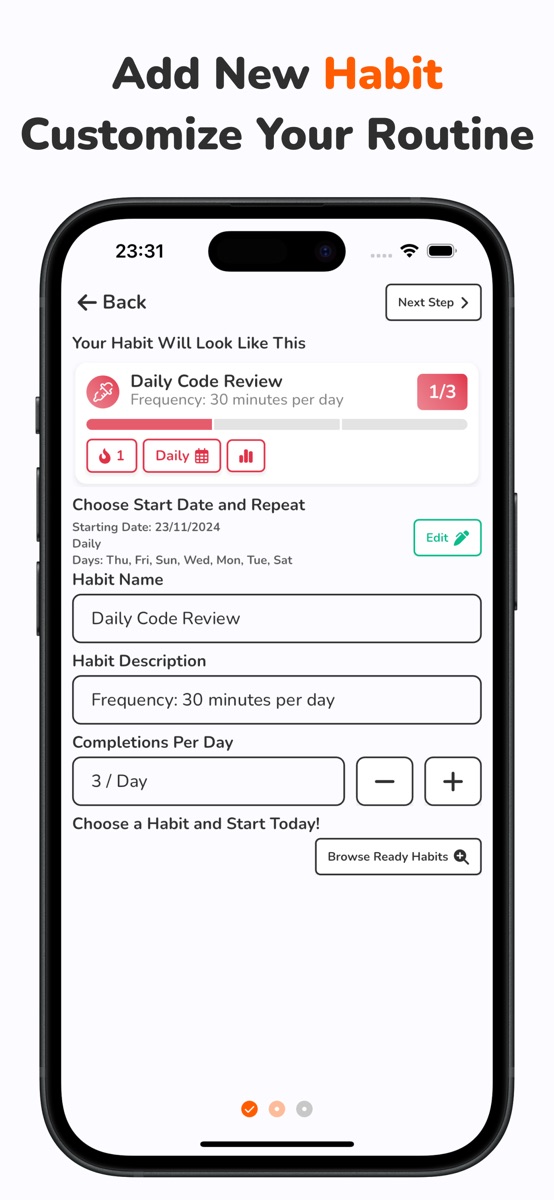
For Habit Tracker Daily, the official iOS description says routine information is stored locally and lists backup export and import among Premium features. No app account is required for those local routines. That does not mean the entire app collects no usage or advertising data, or that every phone-transfer method restores every record automatically.

“I have a file” was the beginning, not the finish
In the story, Maya changes her task from “move my apps” to “preserve this record.” Before trying anything destructive, she notes a few details she can check afterward: a habit name, its repeat schedule and an older completed date. Screenshots can help her remember those checks, but they are not a substitute for an importable backup.
She uses the export method her app version supports, retains the original file and checks that it is accessible somewhere other than the old device. A copy saved only inside that phone cannot be her only recovery plan if the phone is about to leave. She does not rename the file extension or open it in an editor to make it look more convenient.
The same approach works as a question list for another habit app: Does it have an account sync, a supported file export, a device-backup route, or none of those? Do not assume these are interchangeable. For Habit Tracker Daily, check Premium access and the current export/import instructions before relying on the feature. This guide supplies no file-format or Android-to-iPhone compatibility promise.
Habit notes can contain personal information. Choose a storage location and sharing permissions appropriate for that file; avoid sending the backup to a public paste site, social post or public code repository.
The check that mattered happened on the destination
Maya does not end her checklist at “export succeeded.” She checks whether the destination app version supports the saved file and follows its import instructions. If the app warns that an import may replace existing data, she preserves the destination’s current record first. A migration is not a good moment to guess what a warning means.
Then she compares a small sample with the original: the habit name, schedule and historical dates she wrote down earlier. A filled calendar on the new device is reassuring, but she wants to know that it is her record, not a fresh routine she accidentally recreated. This fictional example does not claim a successful test of any particular device combination.
If the file cannot be imported or the sample does not match, her next action is to keep the old record intact and check the app’s current support instructions. Repeatedly erasing and reinstalling is not a verification method. Do not trade in the only remaining source while the recovery path is uncertain.
For the wider iPhone handover, Apple’s official before-trade-in guidance starts with backing up and transferring information before removing personal data. Use its current device instructions for the full phone process; an app export is not a replacement for that wider preparation.
Your before-reset card
The story ends with Maya leaving the old phone on the desk until the checks are complete. There is no perfect streak to protect at any cost—just a record she would like to keep. Copy this short card into your own notes:
| Check | Evidence you can keep | If it is still unknown |
|---|---|---|
| Where is the original history? | Device/account and app version; a few record samples | Keep the source unchanged |
| Which backup method is supported? | Current export, sync or device-backup instructions and required access | Check official instructions before resetting |
| Can I access the backup away from the old phone? | The original file and its location, with appropriate private access | Make and verify a separate accessible copy |
| Does the destination support the restore route? | Platform/version and import requirements; any replacement warning | Do not assume cross-platform compatibility |
| Do the records match afterward? | Habit names, repeat settings and sample historical dates | Keep the original and investigate before erasing |
If you want a local routine tracker with the iOS backup tools described above, explore Habit Tracker Daily. It is free to download with optional in-app purchases; the iOS export/import tools require Premium. Check current features and access for your platform. The free website habit calendar is a temporary browser exercise, not a backup or an automatic app import.
When your record is safely available, the monthly review guide helps you interpret it. If your routine has changed with the phone move, use the restart guide rather than rewriting old dates to create an unbroken streak.
Common questions
Will installing my habit app on a new phone restore my history?
Not by itself. Check the app’s supported account sync, file import or device-backup route, and verify records on the destination before removing the source. Methods and compatibility vary by app, platform and version.
Does Habit Tracker Daily have backup export and import?
Its current iOS listing includes data export for a personal backup and import when moving devices among Premium features. Check access and instructions in your current version. This guide does not promise cross-platform file compatibility.
Are screenshots enough to back up a habit tracker?
Screenshots can preserve visible reference details, but they are not an importable app backup. Use a supported backup method and retain the original until you have checked the destination.
References and further reading
Published by Moocsoft, the independent studio behind Habit Tracker Daily. Examples and worksheets are illustrative. App features can vary by platform and version; see the store listing for current availability and in-app purchases.