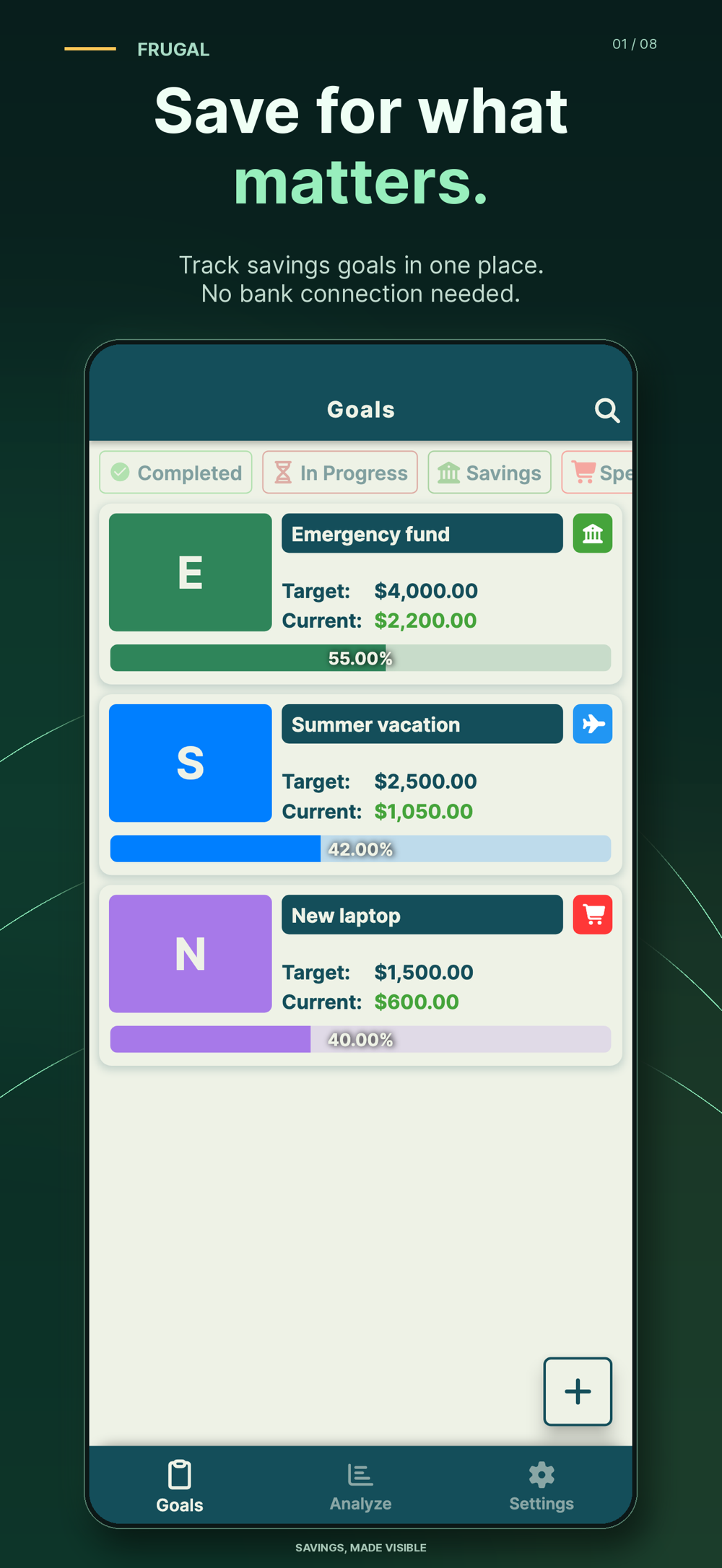

Maya’s story and dollar amounts are fictional. Follow her first eight weeks, then borrow the parts that fit your own resolution. We’ll use Frugal, the savings tracker we make at Moocsoft, for the money she puts aside.
Pick a day you want to live differently
Look back through last year’s calendar. Which ordinary day would you happily repeat? Which one would you change? A note like “I loved walking home with Ana on Wednesdays” can become a standing Wednesday walk. A half-finished sketchbook can become an hour drawing at the kitchen table after Saturday breakfast. Both give you somewhere to be when the week gets busy.
Try finishing this sentence on paper: “On ___, I want to be able to ___ because ___.” Maya writes, “On March 12, I want to ride my own bike to the early shift and get home while it’s still light.” Now she can find out where to lock the bike and how much time to leave for the ride. If you have five ideas, choose the one you’d most like to make room for in January. Save the others for your February review.
Price the first ride
Maya asks the shop to look at the bike she already owns. For this example she allows $180 for the service and parts, $70 for a lock and $50 for lights. She already has a helmet. Her total is $300, and there’s $60 left in the envelope she started last summer. That leaves $240 to find before she books the service.
Make your own list with a price or estimate beside each item. Circle anything you could borrow or already have. For a language goal, you might find that the library has the book you wanted and that the only cost is the bus fare to a weekly conversation group. If your goal costs nothing, go straight to reserving the time for it.
Put eight Fridays on the calendar
From January 8 through February 26, Maya counts eight Fridays. Dividing the $240 still to save by eight gives her a starting pace of $30 per Friday. She checks that amount against the money left after her usual bills. You can use the savings goal calculator to try the same arithmetic with your target and dates.
| Check-in | Set aside so far | Still needed |
|---|---|---|
| Before January 8 | $60 | $240 |
| January 15 · week 2 | $120 | $180 |
| January 29 · week 4 | $180 | $120 |
| February 26 · week 8 | $300 | $0 |
Keep a second line on the calendar for the ride itself. During January, Maya walks the final block of her route and finds the staff bike rack behind the building. After the service, she’ll ride the route on a day off and time the trip door to door. Those small errands give her something to do even on a week when she has no money to add.
What if Friday comes up short?
Suppose the fourth Friday is expensive and Maya can put aside $15. She’s now saved $165, including the original $60. Four Fridays remain and the gap is $135. Closing it by February 26 would take $33.75 each time. Looking at her bills, she decides that $30 still fits more comfortably. Four more $30 contributions bring her to $285, and a final $15 on March 5 gets her to $300. She calls the shop to check that it can still service the bike before her first commute.
At your own check-in, write down what changed and make one decision. You can move the date, change what you plan to buy or leave this week’s contribution at zero. With irregular income, use the day a payment arrives as your check-in. Count the cash available that day before assigning any of it to the goal.
Keep the receipt and the resolution together
In Frugal, Maya names her goal “First Friday bike commute” and sets the target at $300. She records the $60 already in the envelope once. Each Friday, she sets the money aside first, then logs that amount. On the short week, her entry reads $15. When she opens the goal again, the $165 total tells her exactly where to pick up.
If she takes money back for groceries, she can record a withdrawal and check how much remains. Her bank or envelope holds the money. Frugal keeps the record she can bring to the next Friday check-in.